Skip to content
Create your event

Digital menu for food festivals and events: order from your phone

Your customers browse the menu on their phone, order and pay while they wait. No app to download.

Create your event

Running large events or festivals?Talk to a specialist

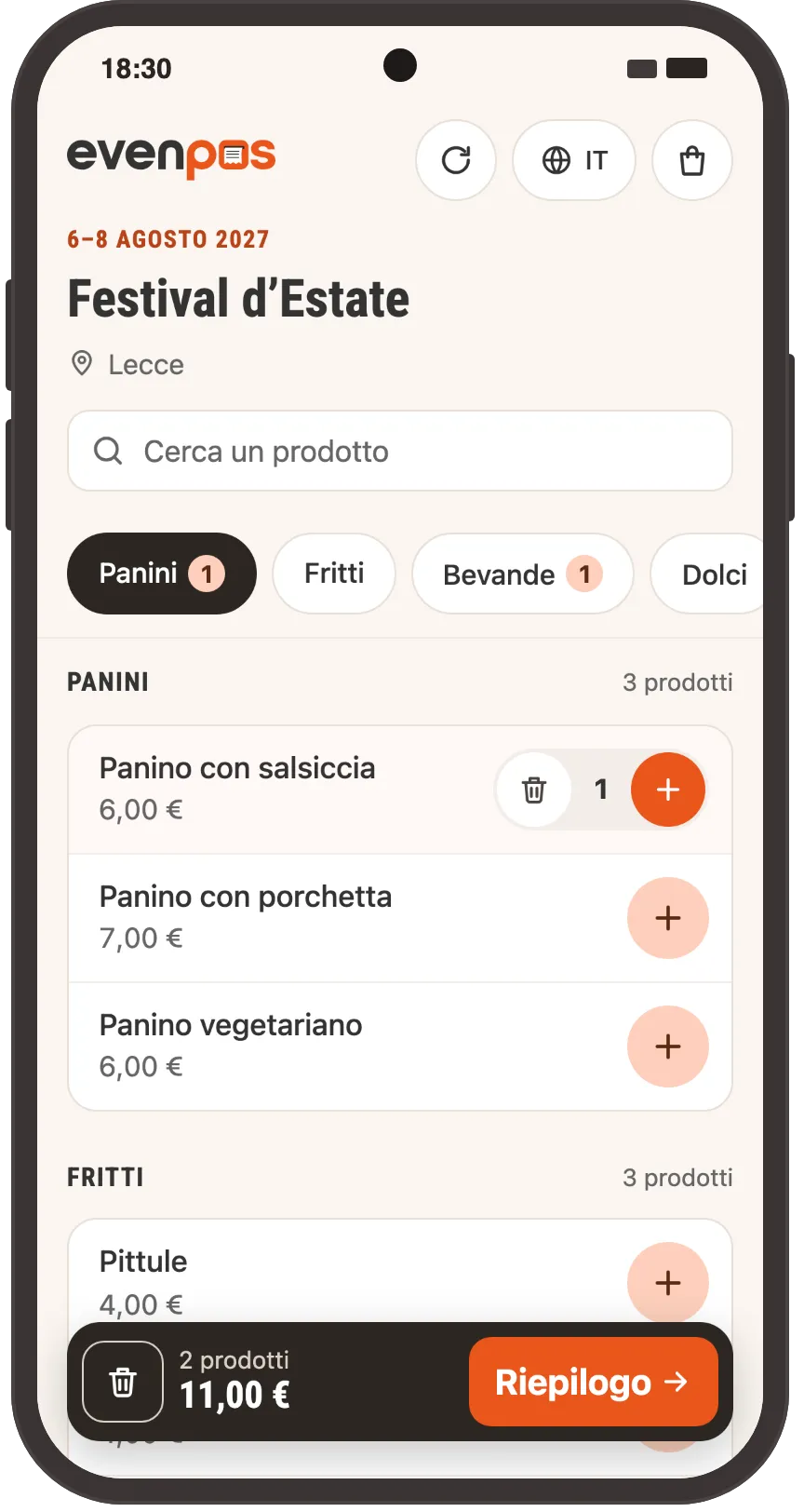
The EvenPos digital menu on a phone, with the order summary

What it does

  • Opens with a QR code

    Customers scan the QR code and the menu opens in the browser: the event picture, items with photos and prices, sold-out items marked as such.

  • In five languages

    Italian, English, German, Spanish and French, for the visitors of your event.

  • Pay as they like

    Online by card, Apple Pay or Google Pay, or pre-order and pay at the till by showing a QR code, which works offline too.

  • Collect without queuing

    Paid orders are collected with a ticket printed at the till or with a ticket on the phone, which the stand staff mark when handing over.

  • Table ordering

    Each table can have its own QR code, and the table number comes with the order.

  • Discount codes and minimum order

    Create discount codes (amount or percentage, with an expiry and a number of uses) and set a minimum for paying online.

  • Donations

    At checkout customers can add a free contribution, for example for the local association.

  • Always up to date

    When you change a price or switch an item off in the back office, the menus open on phones update by themselves.

  • Programme and information

    Up to four pages with the programme, directions and allergens, below the event description.

  • Ready to print

    Download the menu QR code, the poster, the full menu, the menu by category and the table QR codes from the back office.

Pre-order and skip the queue

With the digital menu people order and pay from their phone while they wait, then collect at the stand: those who have already paid skip the till queue. Those who prefer cash can pre-order and show the QR code at the till, which loads the order ready to pay.
Order and pay from the phone, no app

Scanning the QR code is enough: the menu opens in the browser, with photos, prices and sold-out items marked. People pay by card, Apple Pay or Google Pay; the money goes to your Stripe account.

What people ask us

Go to the Help center (Italian)
Do customers have to download an app?

No: they scan the QR code and the menu opens in their phone’s browser.

Where does the money paid online go?

To your Stripe account and then to your bank account. Stripe’s standard rate for EU/EEA cards is 1.5% + €0.25; EvenPos adds no fee.

What about people who do not want to pay online?

With pre-ordering they prepare the order on their phone and pay at the till, in cash or by card.

Do customers get a receipt?

At a fiscal event they download it as a PDF from their order page.

Can I print the QR codes before the event is live?

Yes, they stay valid. Until the event goes live customers see the menu but cannot order.

Other solutions

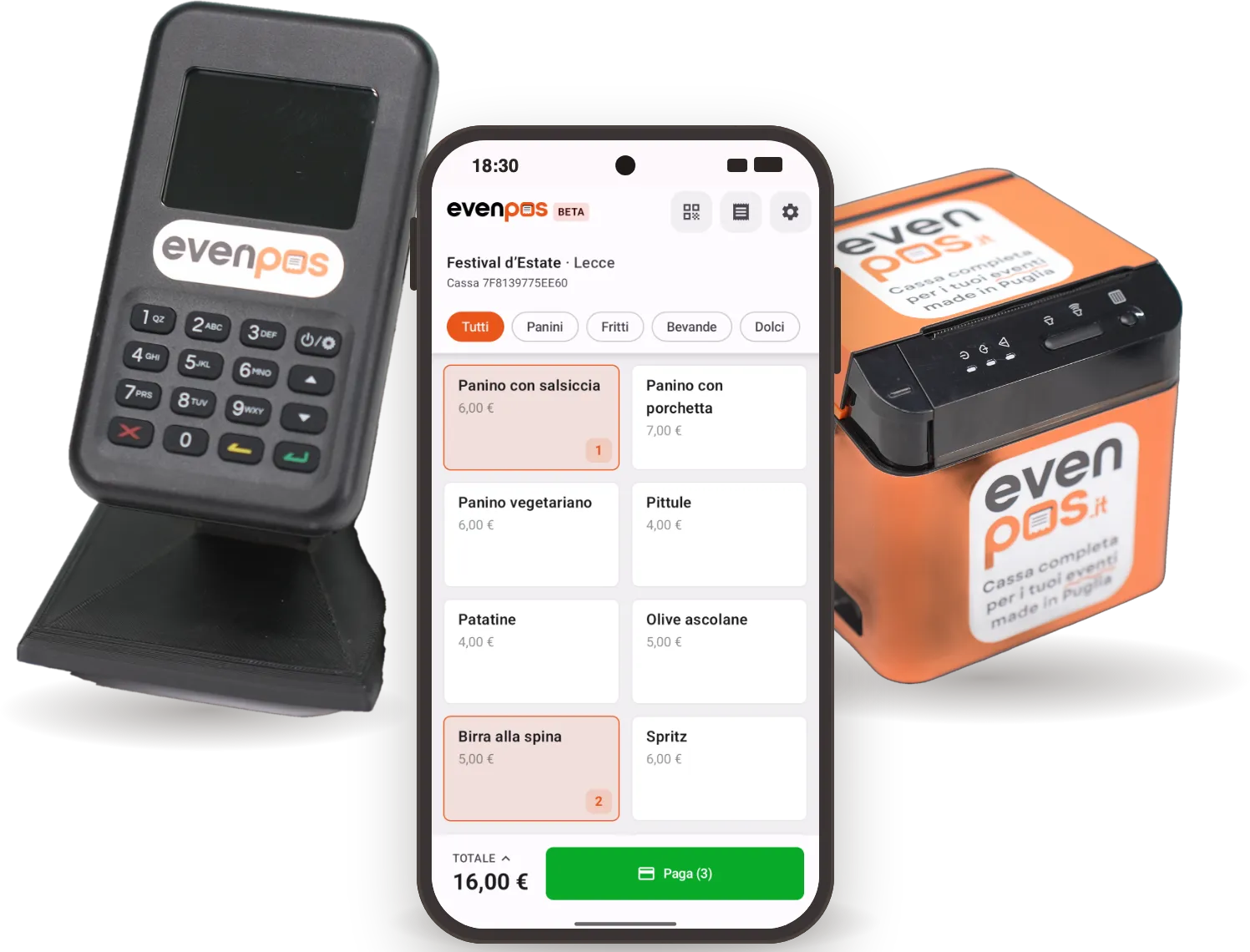
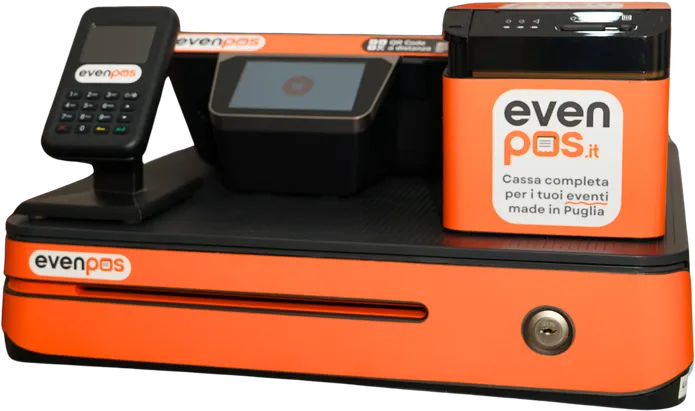
  • The complete EvenPos station: dual-screen till, card terminal and orange printer on the cash drawer

    Cash register

    The till system for events, rented for food festivals, fairs and festivals in Italy: dual-screen till, connected card terminal, printer and cash drawer, with your menu already loaded. Volunteers tap the items, take the payment and the tickets print by themselves.

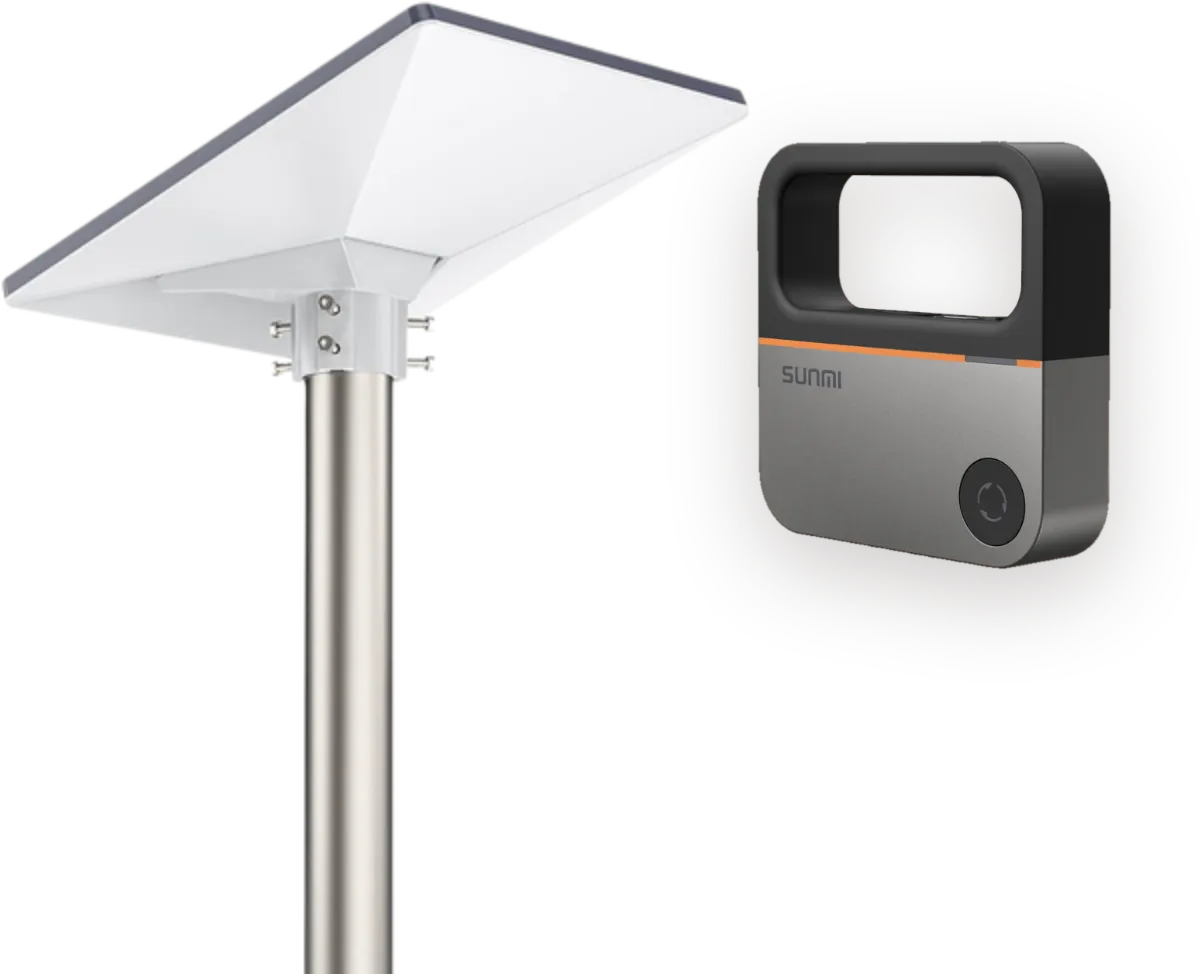
  • The Starlink satellite antenna on its pole

    Connectivity

    With 4 tills or more we bring the connection: a network dedicated to the tills, satellite with Starlink if needed, set up and tested before you open.

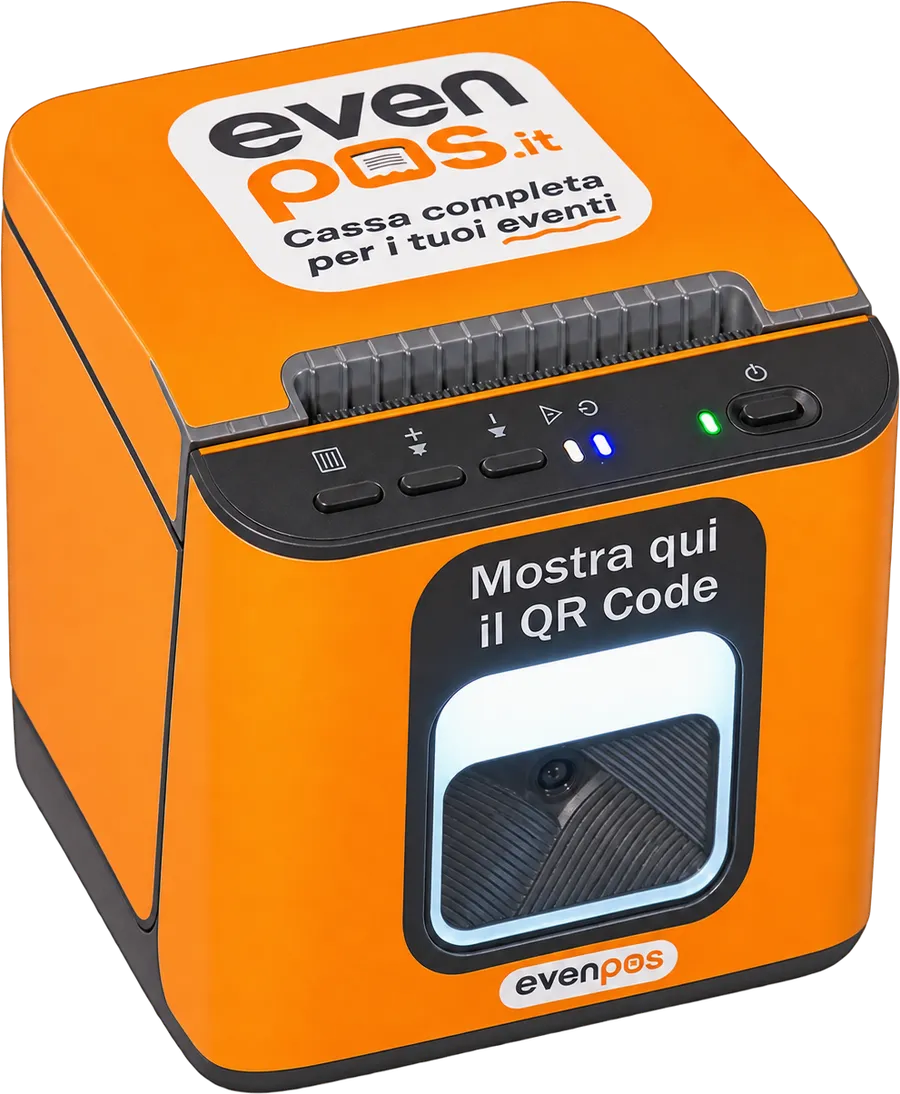
  • The EvenPos pickup kiosk printer, with a QR reader on the front

    Pickup kiosk printer

    A printer with a built-in QR reader at the stand: whoever paid online scans their order and collects the tickets, without going through the till.

  • The EvenPos Mobile app on a phone

    EvenPos Mobile

    With EvenPos Mobile an Android phone or an iPhone becomes a complete till: it sells, takes cards with a tap or on an external terminal and, if you like, prints tickets on a small Bluetooth printer.

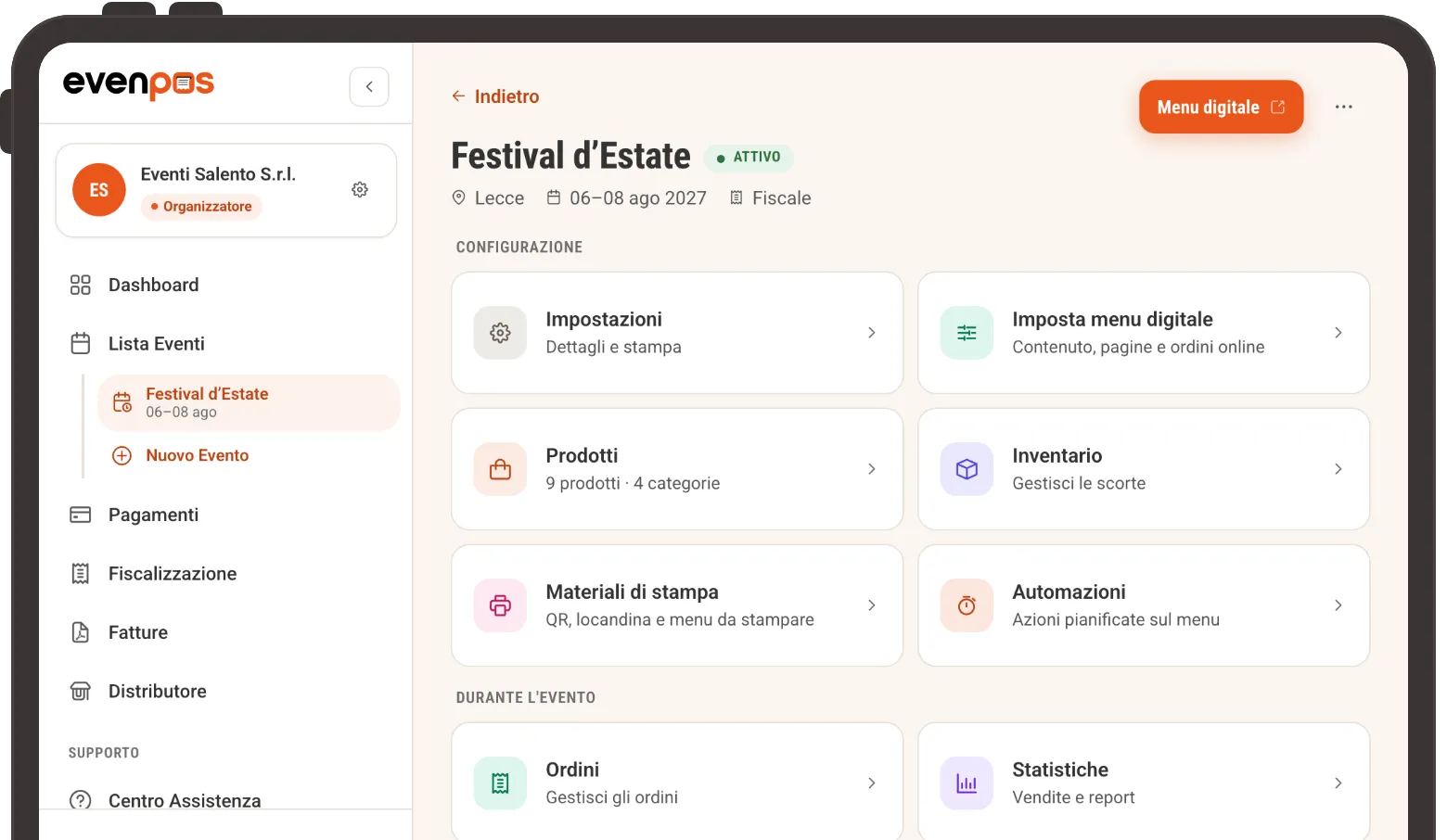
  • The EvenPos back office on a laptop

    The back office

    Create the event, load the menu and request the tills from your phone or computer. During the event you see the takings in real time; at the end the summary is ready.

Ready for your next event?

Create the event now: a name, the dates and the town are enough. Prepare the rest whenever you like.

Festival, concerts or agency? Ask for a proposal

info@evenpos.it